Design physical things. Get them made.
Describe a part in plain words. Get an editable 3D model.
No CAD experience needed.

From words to a part, in your browser.
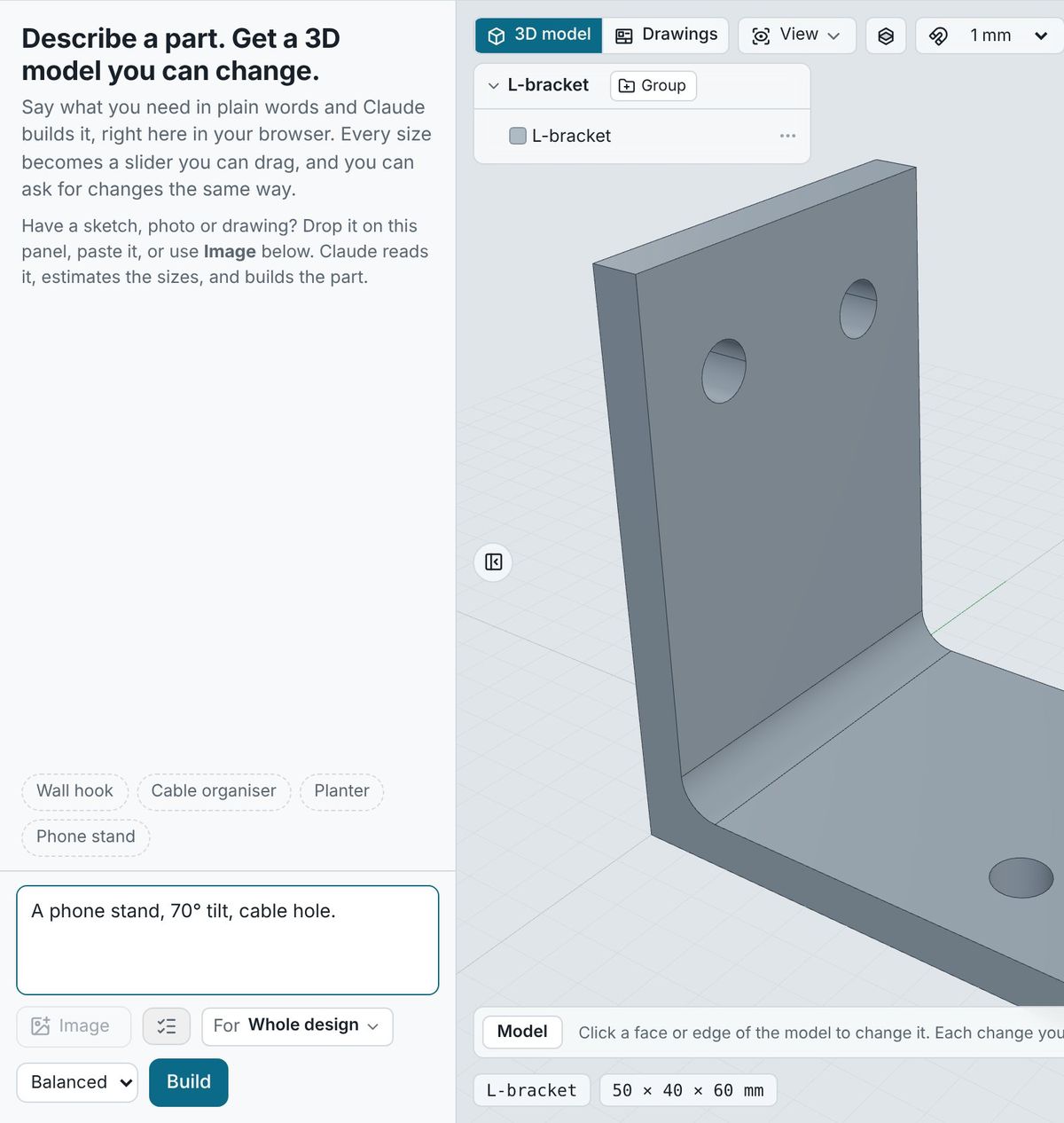
Describe it
“A phone stand, 70° tilt, cable hole.” Or answer a few simple questions. The AI builds an exact model.
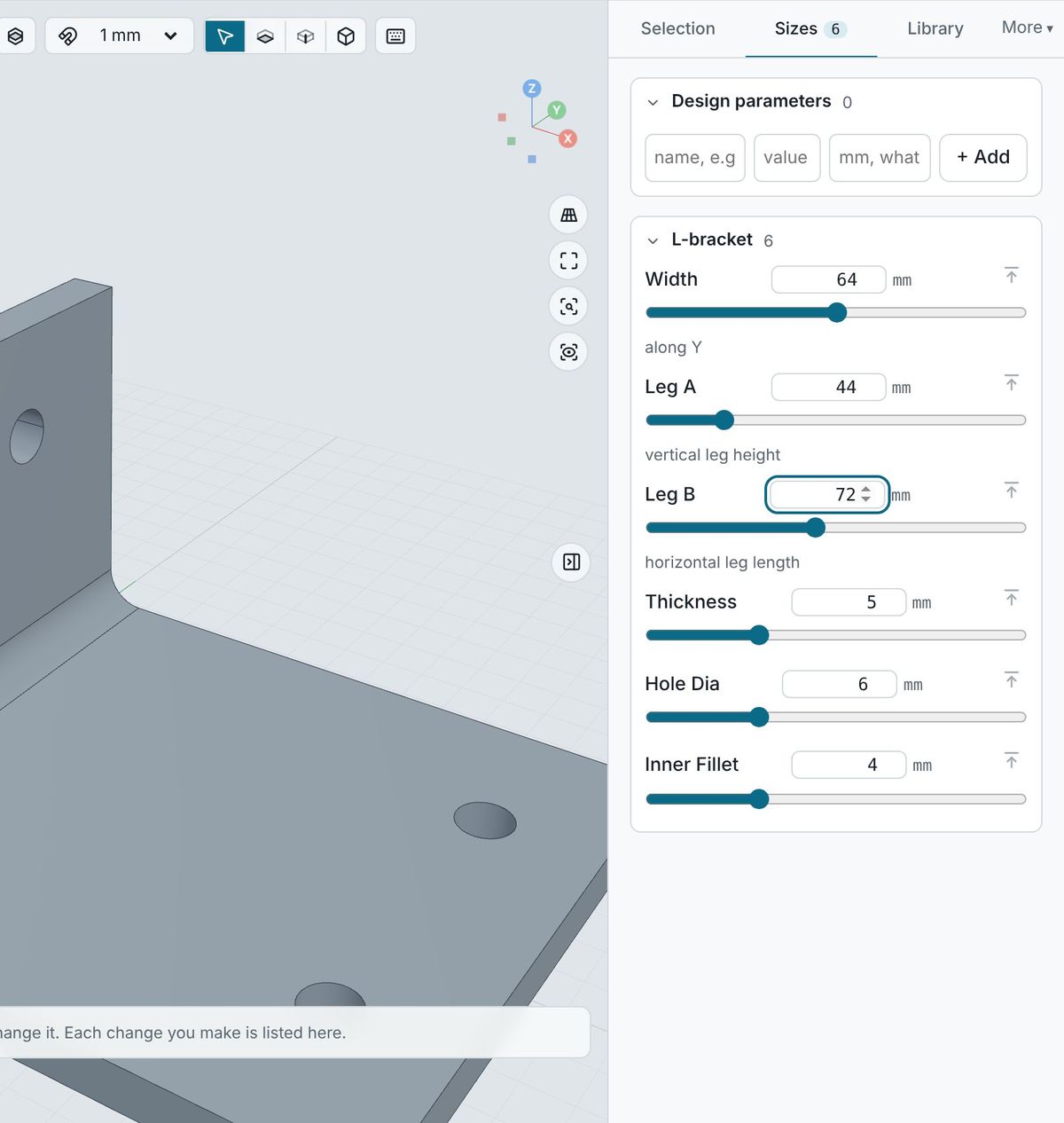
Adjust it
Every size is a slider. Click a face to change it. Every change is saved, and you can always go back.
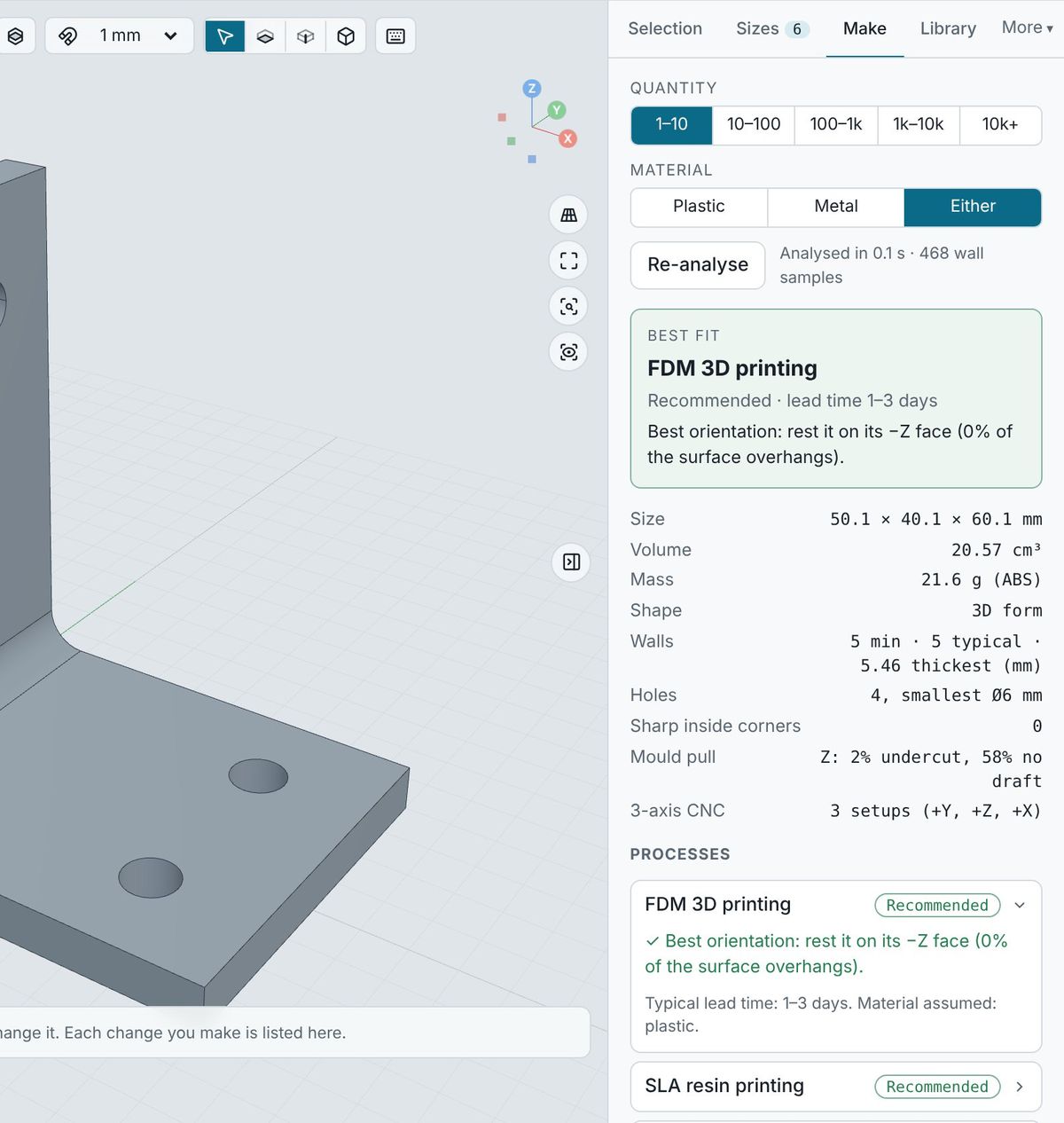
Check it
Fits, tolerances, and how it should be made: 3D printing, laser cutting, CNC, sheet metal or moulding.
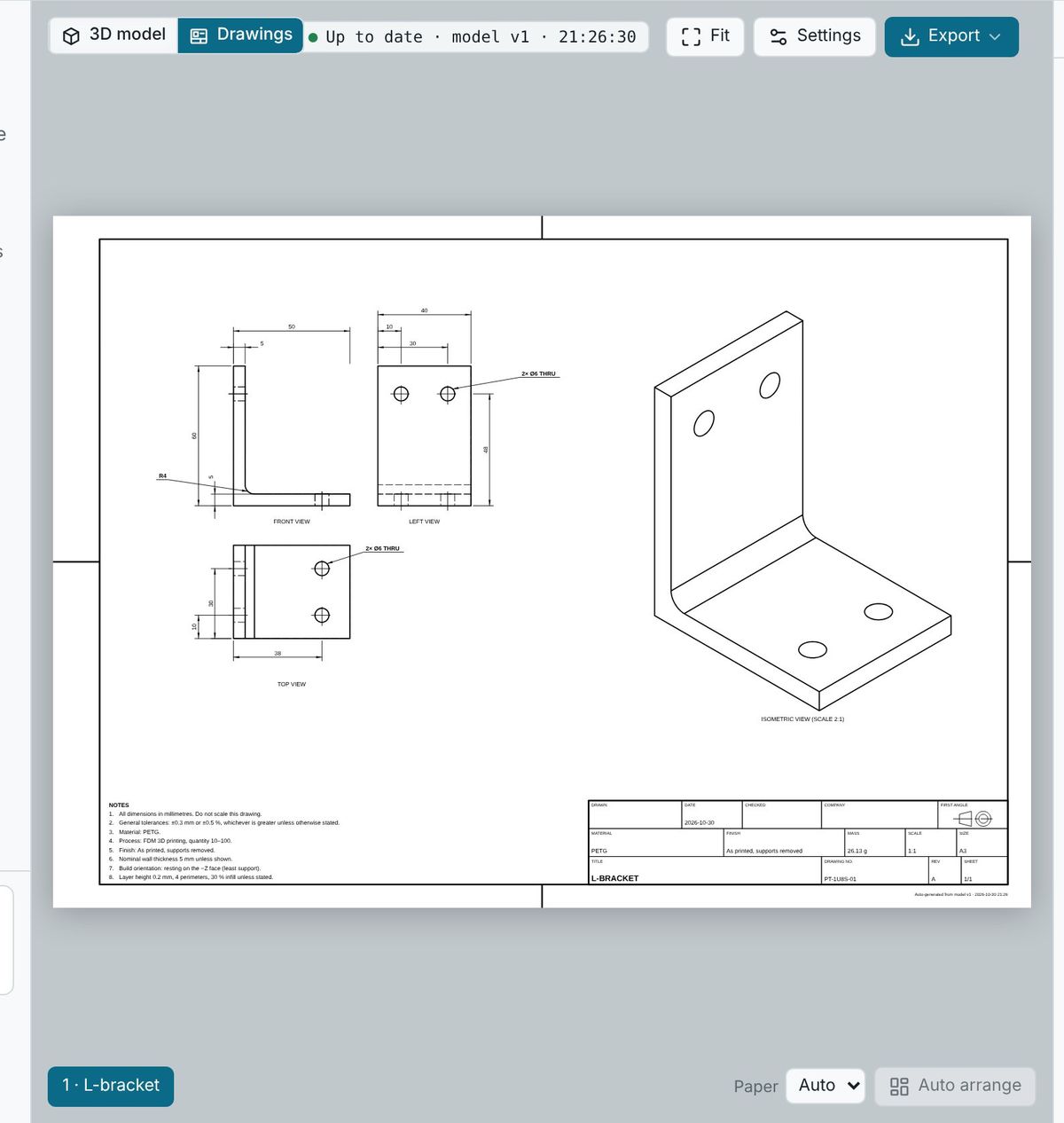
Make it
Download STEP, STL and drawings that follow ISO standards, or get it made near you (coming soon).
Made for everyone who makes things
- Students and kids
- Learn by making real objects, not by memorising menus.
- Makers
- Design things that fit their own life and print them.
- Founders and small brands
- Get enclosures, packaging and gift boxes designed and made, without big minimum orders.
- Designers and engineers
- Get exact geometry, real drawings and standard files.